Studio
The gallery and remixing
Start from one of the gallery’s pieces, or remix someone else’s.
The gallery is a shelf of more than sixty pieces made for the studio: 3D scenes, shaders, 2D drawings, games, instruments, trailers and VR and AR pieces. Open one to play it, then tune it, change its code or ask Perlin to take it somewhere new. Opening, playing and tuning gallery pieces is free and needs no account.
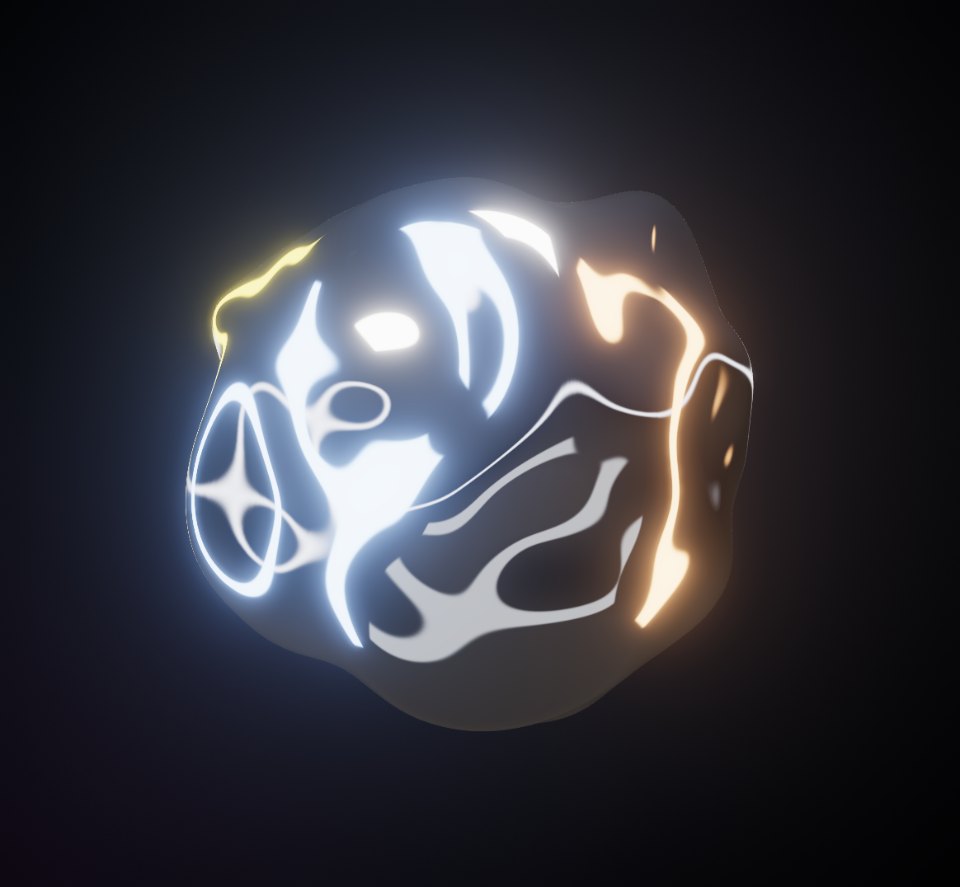 Liquid ChromeWebGL 3DA mercury sculpture that ripples where you touch it.Open in the studio
 Aurora VeilGLSLNorthern lights over a still, mirrored lake.Open in the studio
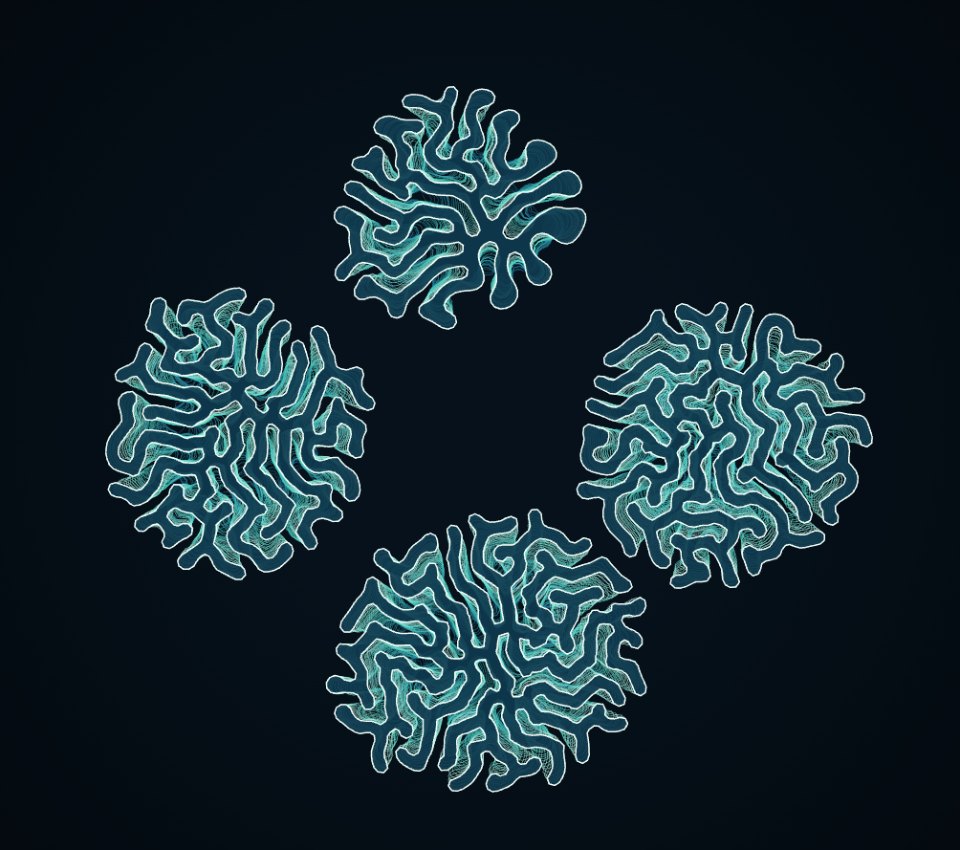 Coral BloomCanvas 2DLines that grow, buckle and fold into brain coral.Open in the studio
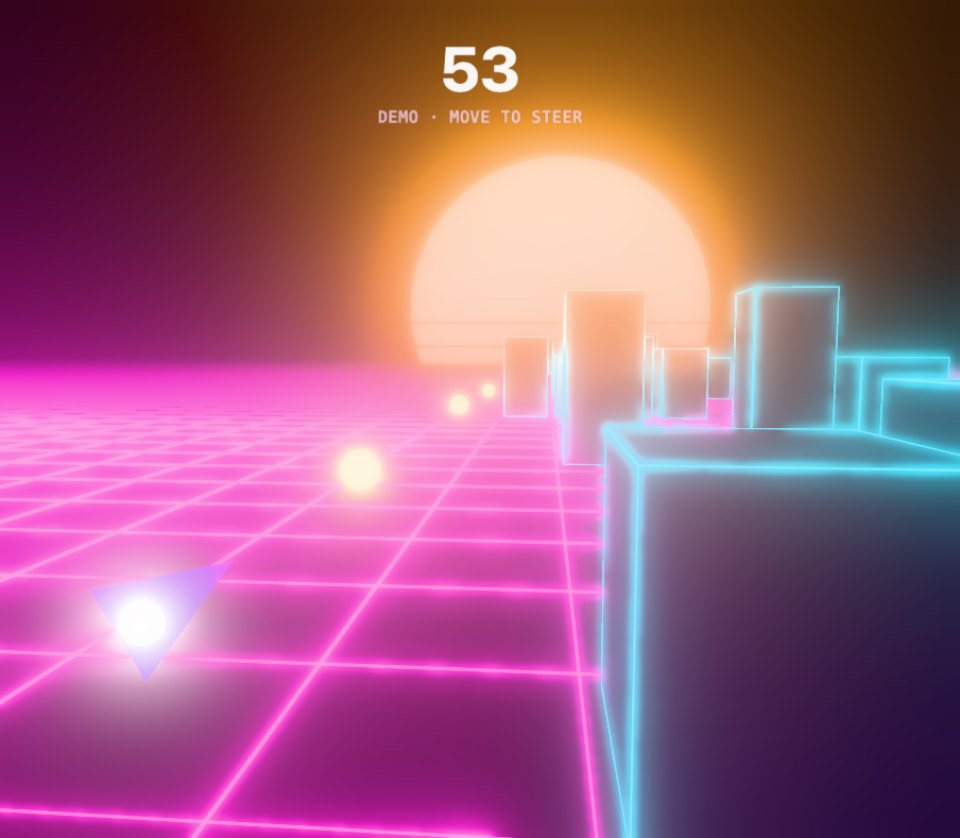 Void RunnerWebGL 3DThread a neon dart through a synthwave canyon of glowing blocks.Open in the studio
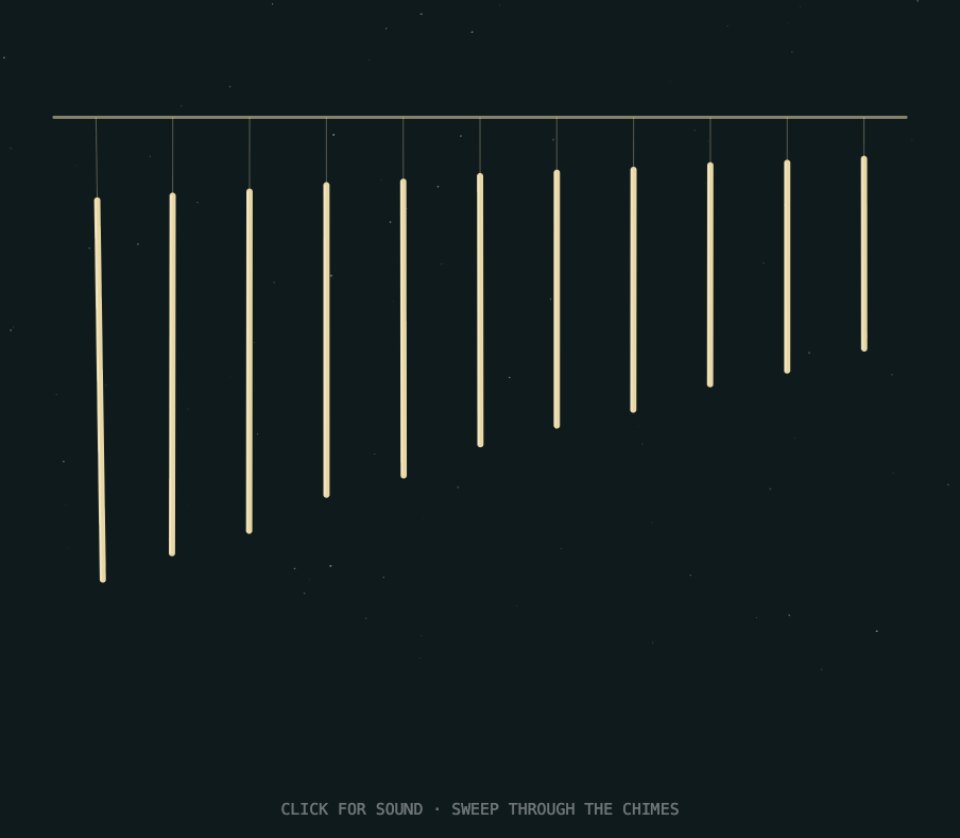 Chime GardenCanvas 2DWind chimes tuned to a pentatonic scale, over a night-air pad.Open in the studio
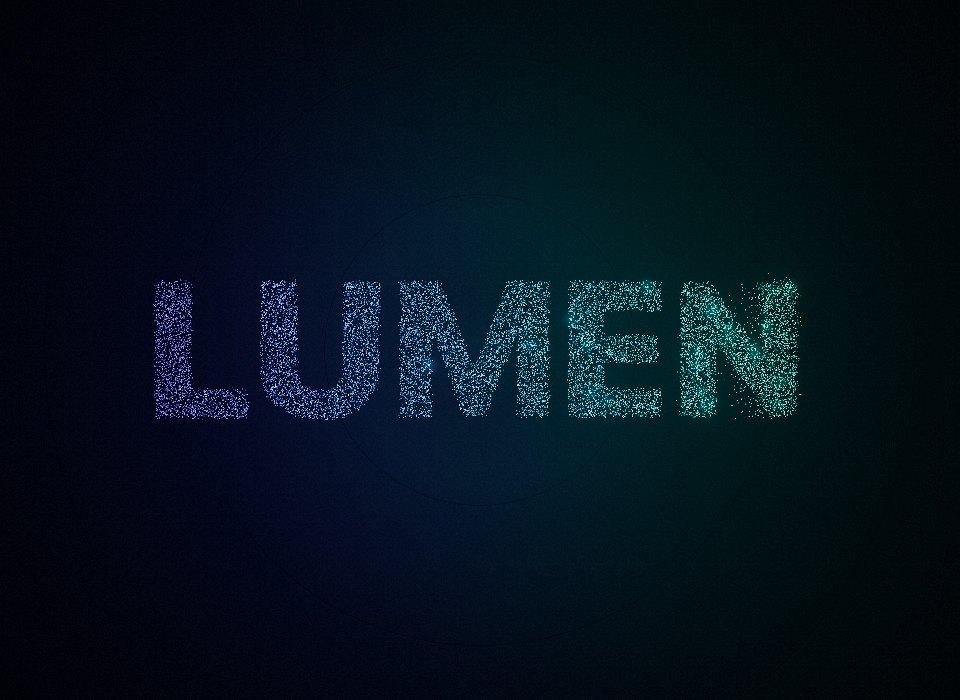 Logo StingWebGL 3DA brand intro: a whirlpool of sparks settles into your logo, then a glint and the tagline.Open in the studio
Opening the gallery
Click Gallery on the rail, or press G. On an empty stage, Or start from the gallery opens it too, and on a phone it's the Gallery tab.
Filters
The row along the top of the gallery narrows what it shows.
| Filter | Shows |
|---|---|
| All | Every gallery piece |
| 3D | three.js scenes |
| Shader | GLSL shaders |
| 2D | p5.js drawings |
| VR & AR | Pieces you can step into on a headset or bring into your room |
| Trailers | Ready-made films and ads, built on a timeline |
| Games | Small games to play |
| Audio | Pieces with sound, music or an instrument to play |
Each card's corner says its engine (3D, Shader or 2D) and, where it has one, VR, AR or "VR · AR". A yellow badge marks a game (Play), a trailer (Trailer) or a piece with sound (Sound).
Opening a piece
Open the gallery
Press G, or click Gallery on the rail.
Pick a piece
Filter if you like, then click a card. The piece starts on the stage and Perlin notes "Loaded … from the gallery. Describe a change to remix it."
Play it
Most pieces answer the pointer: move, drag, click or press keys, as the piece's description says. Its controls are in the Parameters panel.
If you already have a piece open, the gallery piece becomes that piece's newest version (labelled "Gallery") and the piece takes its title, unless you've renamed it. Your earlier versions are still in the history. For a separate piece, click New piece in the top bar first.
A gallery piece opened from a link elsewhere on the site, such as the home page, the VR page or the examples on these docs pages, always starts a new piece of its own. A trailer opens with the Motion panel on a desktop, so its timeline is in view.
The cards are greyed out while Perlin is working on the piece in front of you.
Remixing a gallery piece
A gallery piece is a starting point, and everything you do to it builds on it:
- Tune it. Move its controls, or press Randomize. See Tuning with parameters.
- Ask Perlin. Describe the change: "make it a sunset", "turn it into a two-player game", "add my logo". Perlin needs an account.
- Edit the code. Open Code and change it by hand. See Editing the code.
Each change is a new version, so the gallery original is always one step back. A piece made from a gallery piece is yours to share and publish, with no remix credit to carry.
Remixing a shared piece
Anyone's shared or published piece can be remixed from its page, the /s/ link it was shared at.
Open the shared piece
Follow the link, or open the piece from the community page.
Click Remix in studio
It's at the top right of the page. On a phone it's labelled Remix. If the page's title and buttons have faded away, the eye button (Show the title and buttons) brings them back.
Make it yours
The studio opens a new piece with a copy of the shared version, its controls set as its creator left them, and says "Imported shared piece". The first version is labelled "Imported". Change it as you would any piece.
Your copy is yours: nothing you do to it touches the original. When you share or publish it, its page says it's a remix and links back to the original and its creator. Leaving that credit off is a Pro feature: see Remixes and credit. A competition winner has a Remix it button that does the same.
Remixing needs no account. Asking Perlin to change the remix does.
Related
Still stuck, or something here out of date? Tell us