Get started
Welcome to VYBE.ART
An AI studio for generative art, games and interactive experiences: what you can make, and the words we use for it.
VYBE.ART is a studio for things that move and answer back. You describe an idea in plain words and Perlin, the creative agent, writes the code and runs it live in your browser. What comes back isn't a picture or a video file: it's a piece, running in real time, that you can play, tune with its own controls, change with another sentence, put on a timeline and share.
You don't need to write code. It's there to read and change if you want to, but everything in these guides works from the prompt box and the controls.
What you can make
- Art. Living, generative pieces: liquid metal and glass, particle fields, raymarched worlds, shader looks, generative drawings and typography.
- Games. Runners, stackers, brick breakers and arcade games that keep score, end and get harder. The gallery's games play themselves until you take the controls.
- Instruments and sound pieces. With Sound FX on, Perlin makes the sounds first (one-shots, ambient beds, music loops) and the piece can move to its own bass, highs and beats. Some pieces are instruments you play with the pointer.
- Interactive pieces. Toys and scenes that react to the mouse, touch and keys: a surface that ripples where you touch it, a meadow that blooms where you move.
- Films and ads. Give any piece a timeline. Key its controls, lay your own words, logo, footage and music over it, then render it frame by frame as a video for a reel, an ad or a title.
- VR and AR. Ask for VR and a 3D piece opens on a headset for you to walk round. Ask for AR and it comes into your room, onto your walls, floor and table. VR works on a Meta Quest, and AR on a Quest and on Android phones in Chrome. Everywhere else the piece plays on the screen.
A few from the gallery, each ready to open in the studio and change:
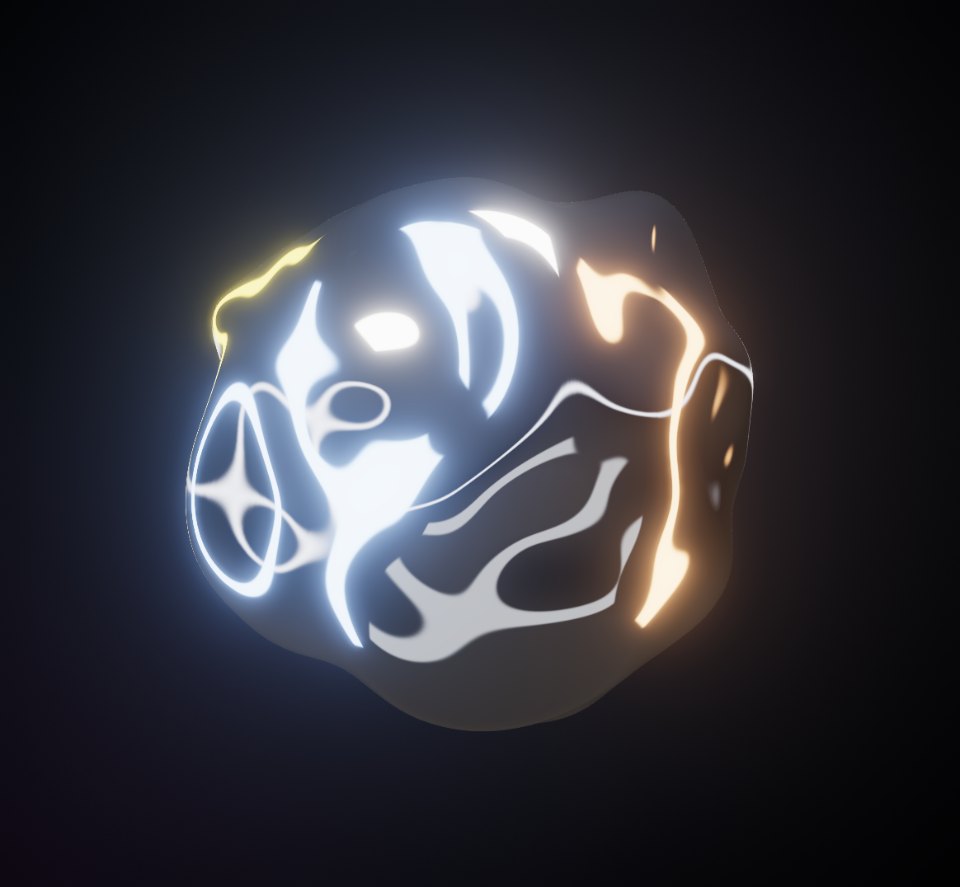 Liquid ChromeWebGL 3DA mercury sculpture that ripples where you touch it.Open in the studio
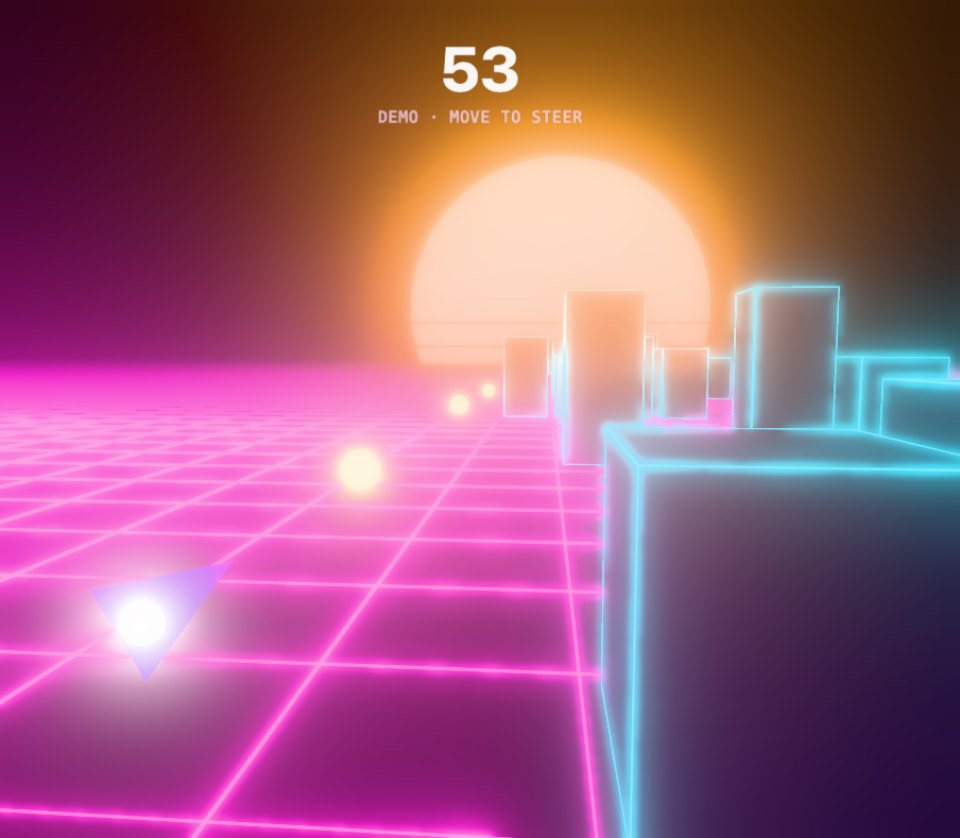 Void RunnerWebGL 3DThread a neon dart through a synthwave canyon of glowing blocks.Open in the studio
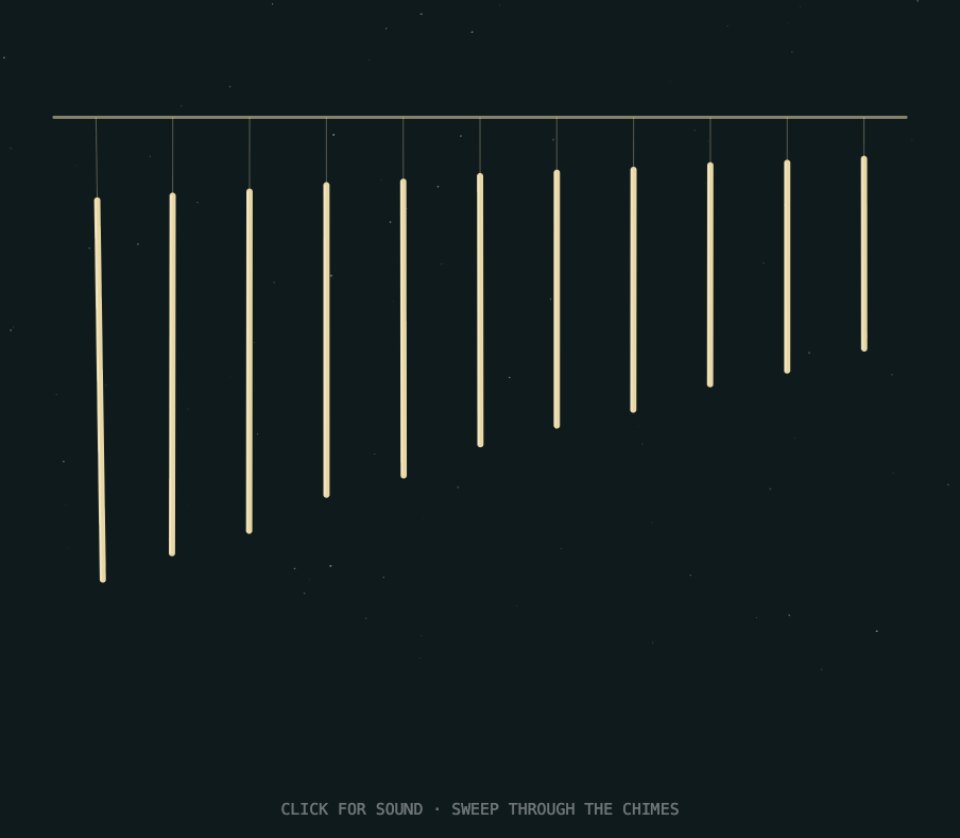 Chime GardenCanvas 2DWind chimes tuned to a pentatonic scale, over a night-air pad.Open in the studio
 Sub BloomWebGL 3DA membrane that swells with the kick and sheds rings on every beat.Open in the studio
 Hero ShotWebGL 3DA product film with its own music and sound effects: lit out of the dark, features called out on the can, an end card that sells it.Open in the studio
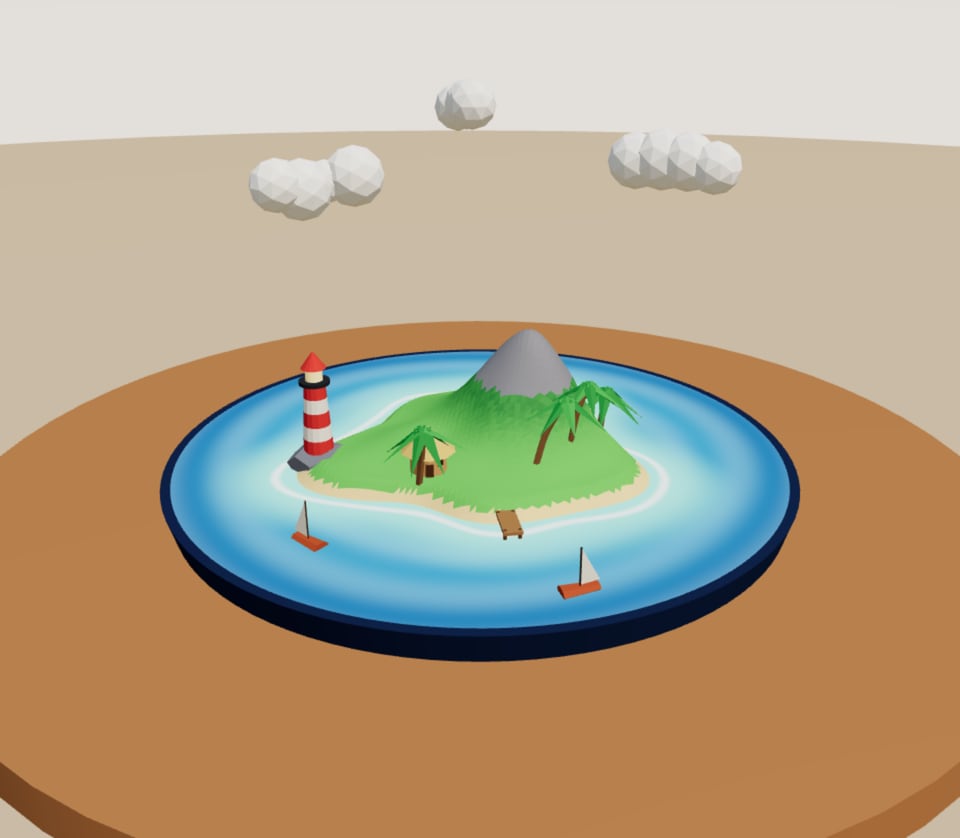 Pocket IsleWebGL 3DA little island for your table: a lighthouse, palms and two boats sailing round.Open in the studio
Every piece runs on one of three engines: three.js for real-time 3D, GLSL for shaders, and p5.js for code-drawn 2D. Perlin picks the one that suits the idea, or you choose with the switch under the prompt box (Auto, 3D, Shader, 2D).
Make it, scrub it, play it, bend it
The headline on the home page names the four things you do with a piece.
Make it
Describe an idea and Perlin builds it. It checks the code before it runs, watches the piece in its first seconds and repairs what breaks. Ask for changes in the same conversation: each one becomes a new version, and you can step back to any of them.
Scrub it
Every piece can carry a timeline, like a motion design tool built into the canvas. In the Motion panel you key any control over time, lay text, images and video over the piece, put music and sound effects on their own tracks, drag the playhead back and forth, and render the result as an MP4 in the shape each platform wants.
Play it
A piece is live, not a recording, so you play it rather than watch it. Click into it to steer a game, play an instrument or push a scene around. Ask for a game, an instrument or a toy and you get one you can play.
Bend it
Every piece arrives with its own controls in the Parameters panel: sliders, colours, switches and buttons. Push one and the piece changes while it runs.
The words we use
| Word | What it means |
|---|---|
| Piece | Anything made in the studio: living art, a game, an instrument, a film. It runs live. |
| Perlin | The studio's creative agent. It writes, checks and repairs the code behind a piece. It's named after the noise that makes randomness feel natural. |
| Version | A saved state of a piece. Every build, change and code edit adds one, and you can go back to any of them. A repair fixes the version it was for. |
| Parameters | The controls a piece arrives with, in the panel over the stage. |
| Share | A link that lets anyone who has it play and remix the piece. A shared piece stays off the community page. |
| Publish | Making a piece public: it's listed under Recent on the home page and on the community page, with your name on it. |
| Remix | Starting a piece of your own from someone else's, or from one in the gallery. When you share or publish a remix of someone's shared piece, it credits the original. |
| Gallery | The studio's own collection of pieces, ready to open, play and change. |
| Community | The pieces people have published, at /community. |
| Vybe Tokens | What Perlin's work is charged in, "tokens" for short. Playing, tuning, sharing, publishing and exporting are free. |
What you need
- A recent browser on a computer, tablet or phone. The studio works on a phone; the Motion panel needs a screen at least 1024 pixels wide.
- An account to work with Perlin. Opening the studio, playing pieces, remixing them and editing their code work without one. See Accounts and signing in.
- Tokens for Perlin's work. New accounts start with 150 Vybe Tokens, and you can top up with a token pack or go Pro.
Where to go next
- Make your first piece: from an idea to a piece you've played, tuned and shared.
- The studio at a glance: what each part of the studio is for.
- Asking Perlin for a piece: how to describe what you have in mind.
- Tuning with parameters and Versions and history.
- The Motion panel: timelines, layers, sound and video.
- VR pieces and AR pieces.
- How Vybe Tokens work.
Still stuck, or something here out of date? Tell us