Motion and timeline
Variations
Many versions of one piece: different words, different starting values, one render each.
A variation is another version of the same piece, kept with it: other words in its text layers, and other starting values for its parameters. Use variations to test which headline lands, make the same ad in several colourways or flavours, or put the words into another language. Each one renders as a video of its own, in every shape you pick, in one go.
A variation changes only what you render. The piece itself, its share link and its embeds stay as they are.
Making a variation
Open the Variations tab
Press M for the Motion panel and pick Variations.
Click Variation
A new variation appears, called "Version 2" (then "Version 3", and so on). Rename it in Name: its name goes into the file name of its video.
Change its words
There is a box for each text layer, labelled with the start of the layer's own text. Type the variation's words; leave a box empty to keep the original text.
Change its parameters
Tune the piece in Parameters (P) to the look this variation should have, then click Take current. Every parameter's value is copied into the variation, and the row says how many are set. Clear goes back to the piece's own values.
Render them
Click Render all to open the Render video dialog with every version ticked.
Take current copies the parameters as they are, so the piece keeps that look too. Tune it back afterwards, or use Reset to defaults in Parameters, before you make the next variation or carry on with the original.
How a variation plays
- Its words replace the text layers' words, with the same font, place and timing.
- Its parameter values are where the piece starts. A parameter with a track still follows its keys, so a variation can't change something the timeline animates.
- Words in the piece's own text parameters (such as the Copy folder of a trailer template) are parameters, so Take current carries them.
A piece can have up to 12 variations. Delete one with the bin beside its name.
Rendering variations
In the Render video dialog, Versions lists Original and each variation, all ticked to begin with. Untick any you don't want. The dialog makes one video for each version in each shape you pick: two shapes and three versions make six videos. Each file is named after the piece, the shape and the variation, and All (.zip) downloads them together. See Rendering video.
Examples
Every trailer template comes with variations. Logo Sting has Ember and Ice, each with its own colours and typeface. Flash Sale has Black Friday and Summer, with their own words, discount and colours. Drop Day's Daybreak and Single swap the words of its text layers and the colours of its portal.
These variations set only the parameters that differ, and the rest come from the piece. Perlin can write variations like that for you: ask for "a variation with a blue palette and the headline Cool by nature".
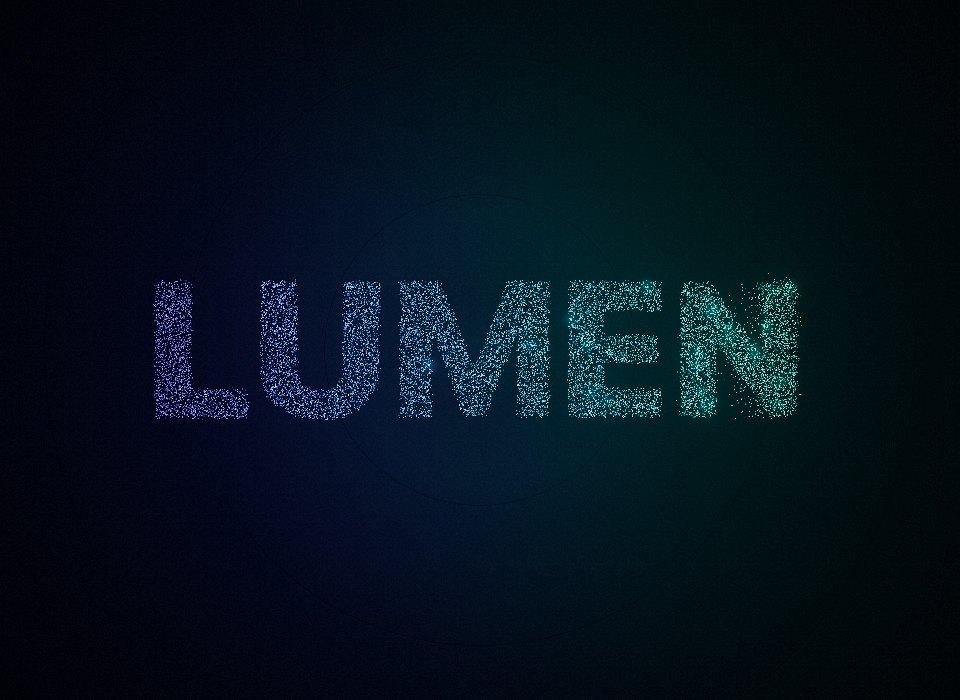 Logo StingWebGL 3DA brand intro: a whirlpool of sparks settles into your logo, then a glint and the tagline.Open in the studio
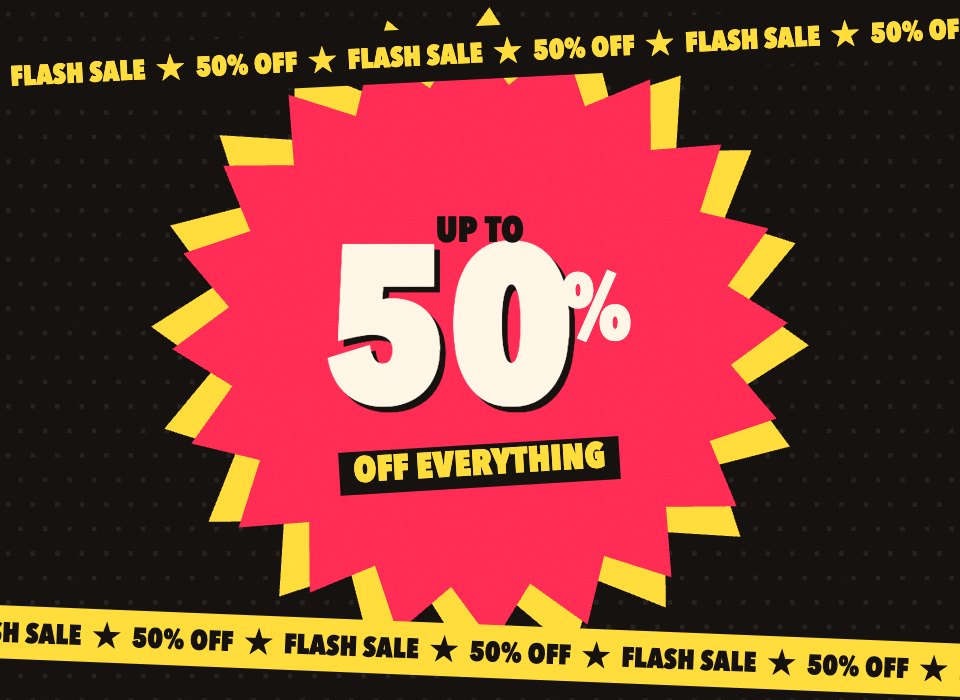 Flash SaleCanvas 2DA retail ad: the words slam in, the discount counts up, products pop up with their prices cut.Open in the studio
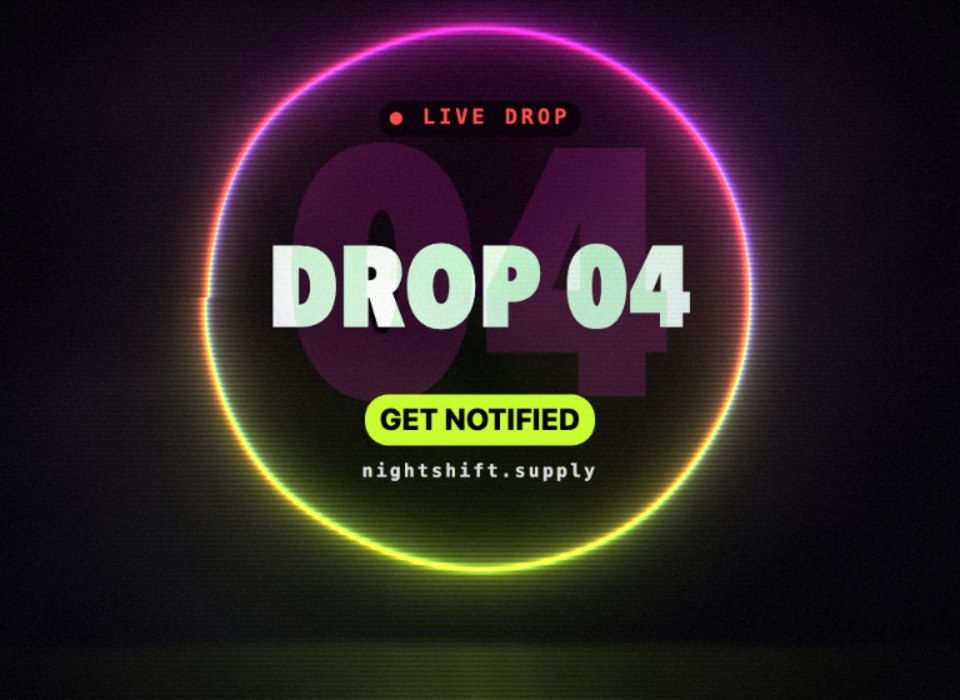 Drop DayGLSLA release teaser: a neon portal glitching on the beat, and every word a layer you can edit.Open in the studio
Related
Still stuck, or something here out of date? Tell us